
Working from home is a dream, but not when your very setup is slowing you down. The good news is you only need to make a few tweaks to turn any corner into a productive workspace. Here are nine tips that make your home office feel calmer and more efficient.
9. Master Your Light for Peak Performance

Position your desk to get plenty of natural daylight, which has been shown to improve energy, focus, and overall well-being. When evening rolls in, switch to circadian-friendly lighting that mimics the color and warmth of daytime light. When lighting aligns with your body’s natural rhythms, your brain performs better, distractions drop, and you stay mentally energized longer.
8. Declutter for a More Focused Mind
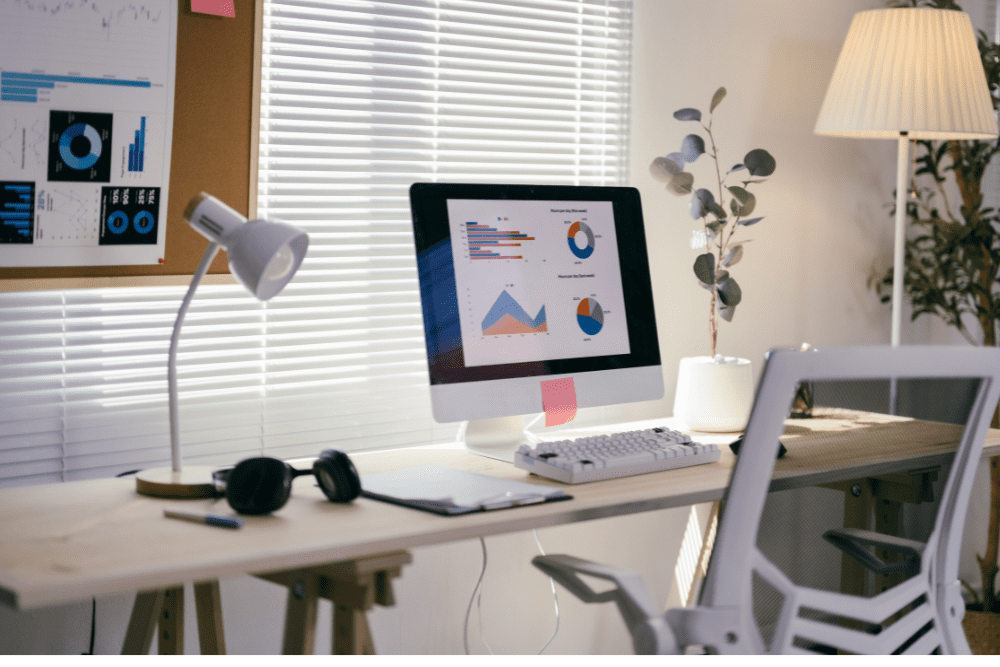
A cluttered workspace can raise stress levels and make it harder for your brain to concentrate. Creating a minimalist setup doesn’t mean going bare. It simply means keeping essential items within reach and storing everything else behind closed doors. The reduced visual noise creates a calmer, more intentional environment.
7. Alternate Between Sitting and Standing to Boost Energy
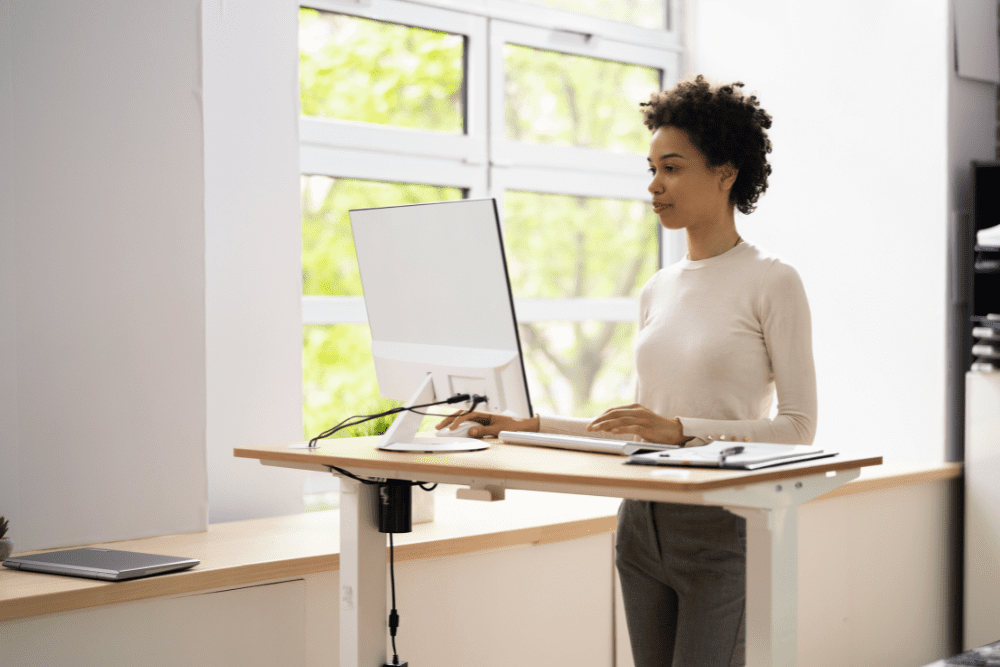
People who switch between sitting and standing throughout the day don’t just feel physically better. They also report stronger focus and productivity. The goal is to keep your body moving in small, regular intervals. This reduces discomfort, supports better circulation, and helps you stay alert without feeling drained.
6. Introduce Greenery to Reduce Stress and Boost Creativity
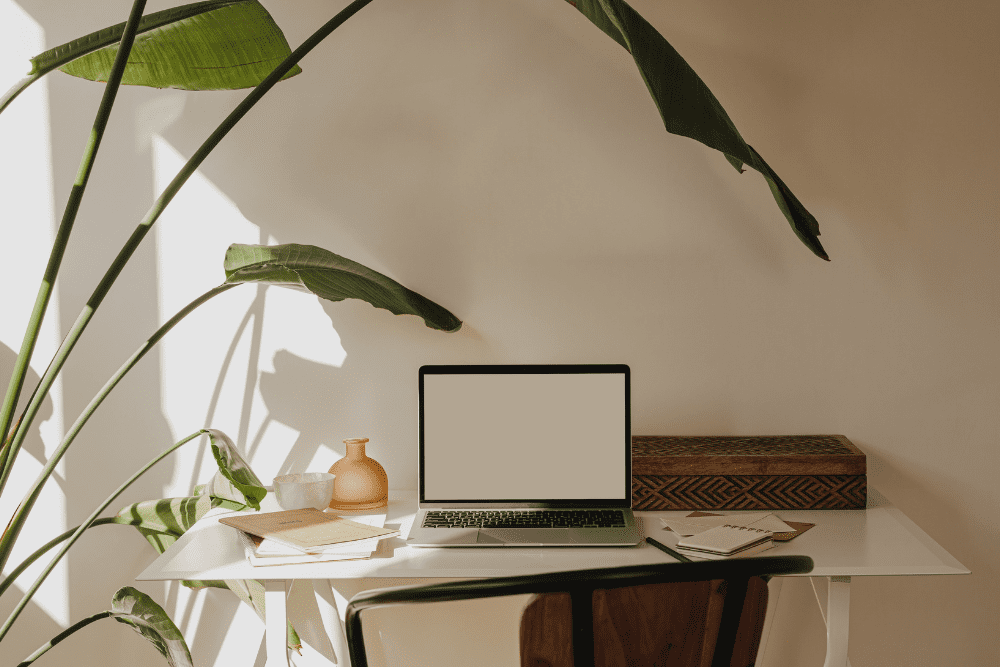
Adding leafy plants to your workspace can help reduce stress and support higher cognitive performance. Plants and wood textures spark creativity and help your mind feel more open and inspired. And if real plants aren’t practical, high-quality artificial ones may still deliver the psychological benefits of greenery.
5. Create a Distraction-Free Zone with Noise-Cancelling Headphones

Active noise-cancelling headphones can improve perceived sound quality in work environments. To maximize their effect, pair ANC with white noise, rainfall audio, or other steady masking sounds. This blocks intrusive speech and background noise, making it easier to stay in deep work.
4. Implement the 20-20-20 Rule to Combat Eye Strain

The American Optometric Association recommends the 20-20-20 rule as a science-backed way to prevent digital eye strain. Every 20 minutes, look at something 20 feet away for at least 20 seconds. These brief pauses help relax your eye muscles, reduce dryness, and prevent the fatigue that comes from long hours of screen time.
3. Optimize Your Monitor Setup for Ergonomic Viewing
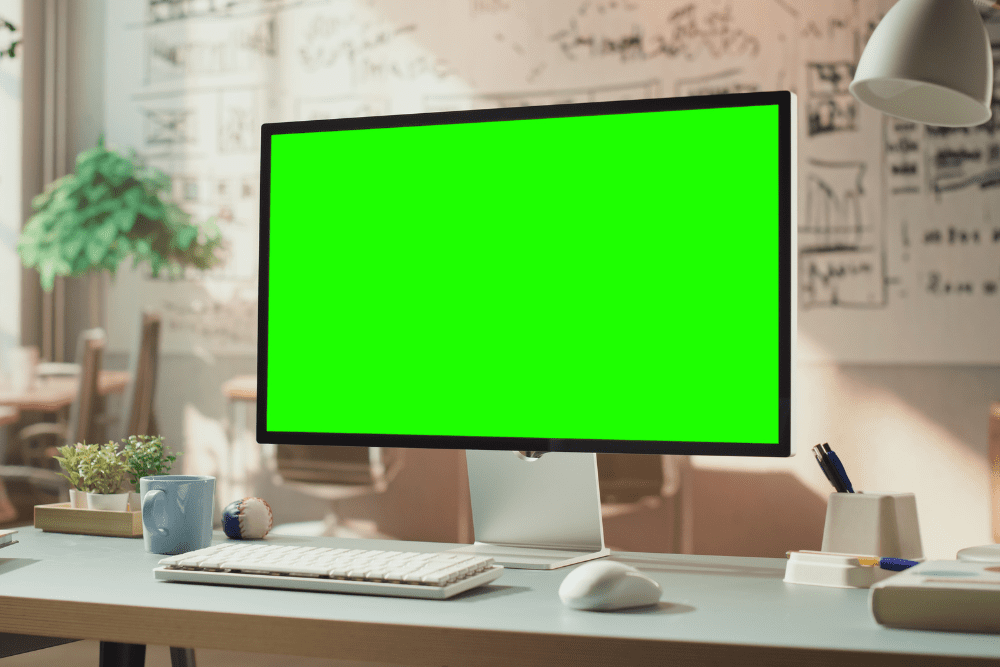
For optimal posture and comfort, position your monitor an arm’s length away (usually 20 to 40 inches) with the top of the screen at or just below eye level. For dual setups, angle the screens into a gentle V-shape so your eyes and neck move naturally. These small adjustments minimize physical discomfort and make long working hours feel easier on your body.
2. Harness the Power of Scent to Enhance Alertness

Scents can influence cognition more than you realize. Lemon scent, for example, has been shown to boost alertness and improve task performance. In contrast, lavender has a calming effect that’s perfect for winding down after work. Choosing scents intentionally allows you to shape your mental state and support better focus or relaxation.
1. Establish Physical Boundaries for Better Work-Life Balance
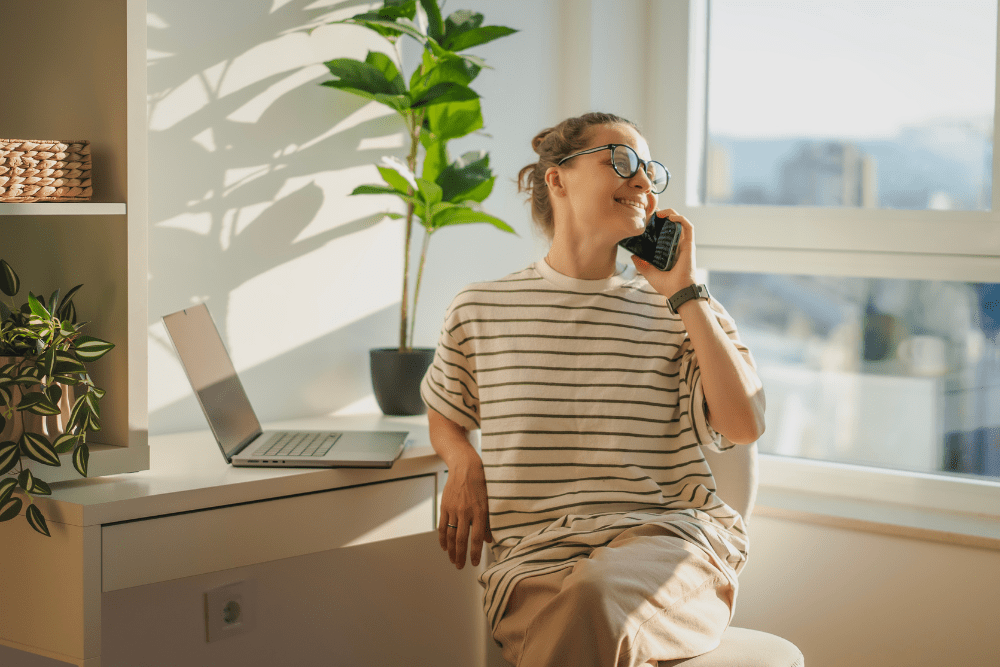
Clear physical boundaries between your work area and living space help your brain switch between “work mode” and “rest mode.” A dedicated room is ideal, but even a small, defined corner can make a difference. When you step away from that space at the end of the day, your mind gets the signal that work is done, reducing burnout and preserving your home as a place of comfort.