
Your smartphone is capable of far more than you realize. Buried in settings menus and hidden are powerful features designed to make your life more productive and secure. Maximize the potential of your smartphone with these 8 hidden features you may not be using.
8. Developer Options (Android)
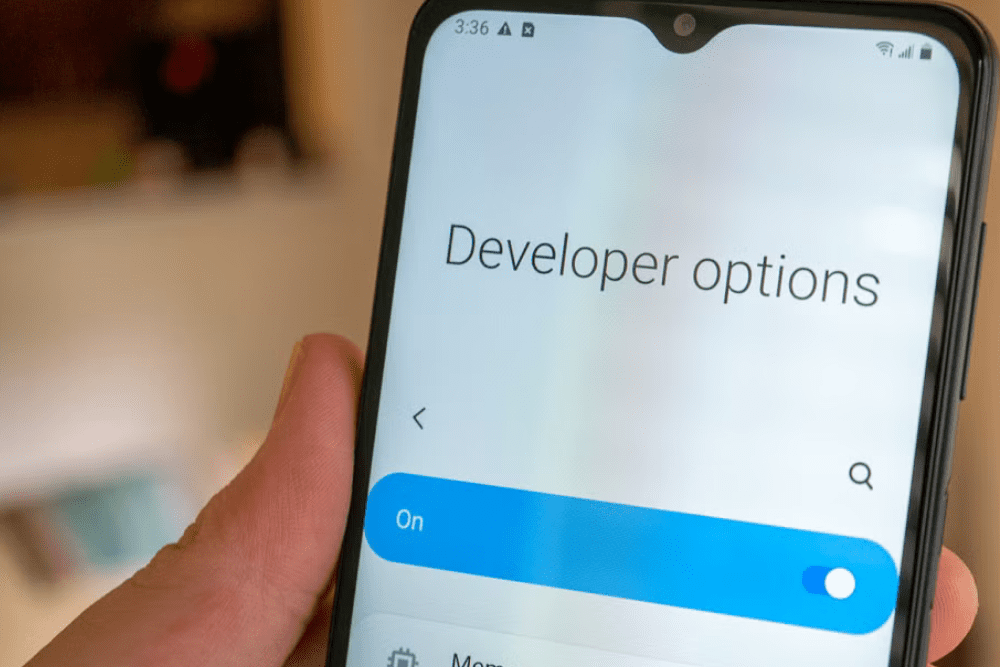
Android has an entire hidden settings menu called Developer Options that unlocks advanced customization and control. Do this by tapping the Build Number seven times in your phone’s About section. You unlock access to settings that allow you to adjust animation speeds, limit background processes, enable USB debugging, and more. While some settings require technical knowledge, many are user-friendly tweaks. But be careful not to modify settings you don’t understand, as some can compromise your phone’s stability.
7. One-Handed Mode
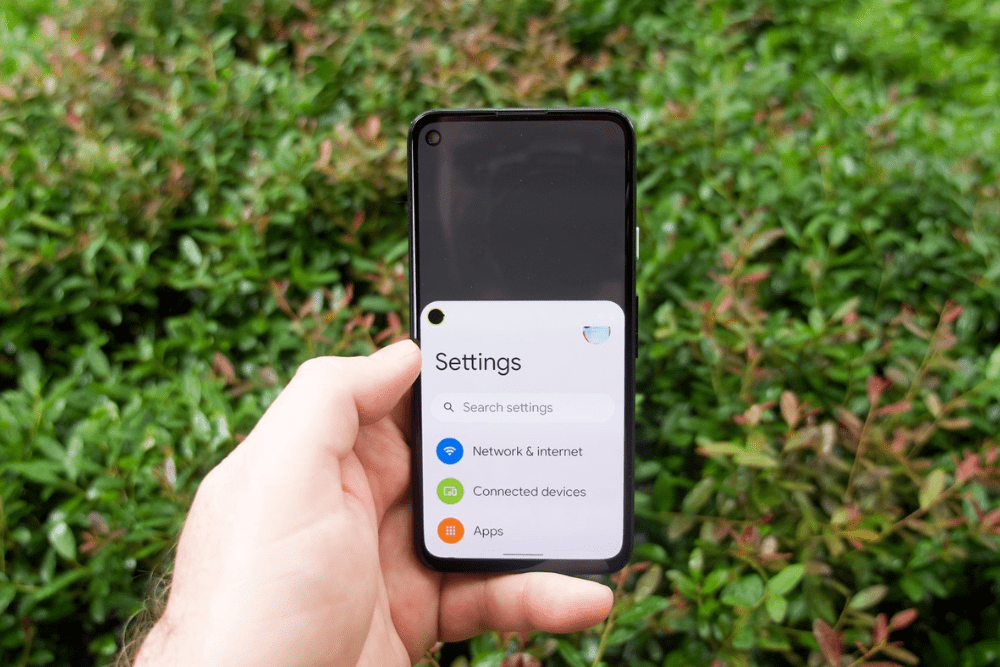
Modern smartphones continue to grow larger, making one-handed use challenging. Fortunately, both iOS and Android offer one-handed modes that reduce the display size to make everything accessible with your thumb. On iPhone, it’s called Reachability and brings the top half of the screen down within reach. Meanwhile, Android’s implementation varies by manufacturer, but typically shrinks the entire interface to a single corner.
6. Sound Recognition
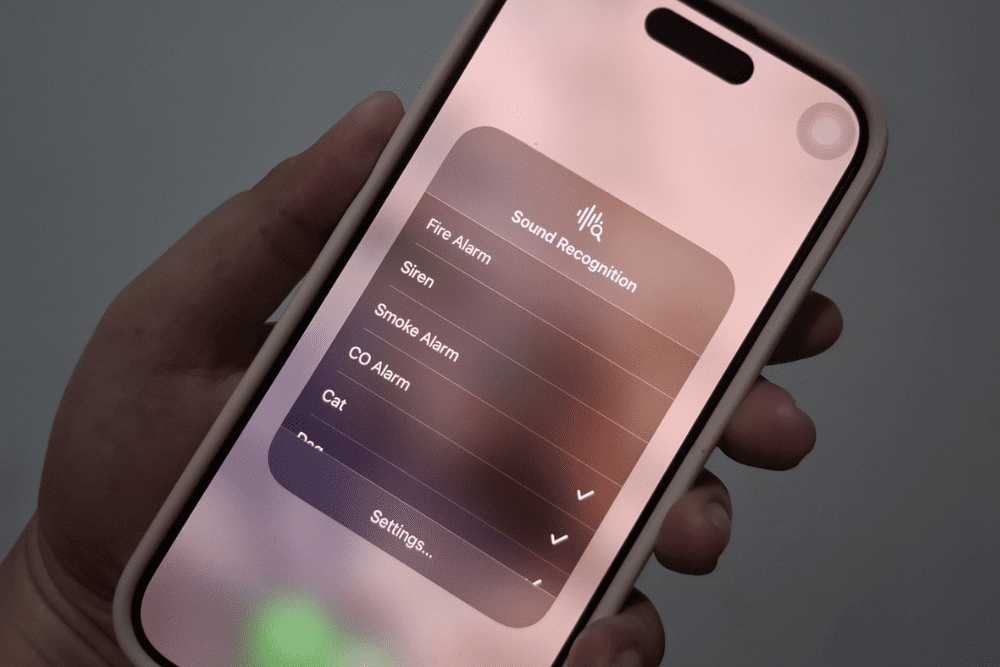
Did you know that your iPhone can detect specific sounds and alert you when it hears them? Yup, they work with doorbells, smoke alarms, sirens, running water, babies crying, and more. This accessibility feature was designed for people with hearing difficulties, but is useful for anyone who wants audio alerts. The best part? The feature runs continuously in the background without draining excessive battery.
5. Emergency SOS and Location Sharing
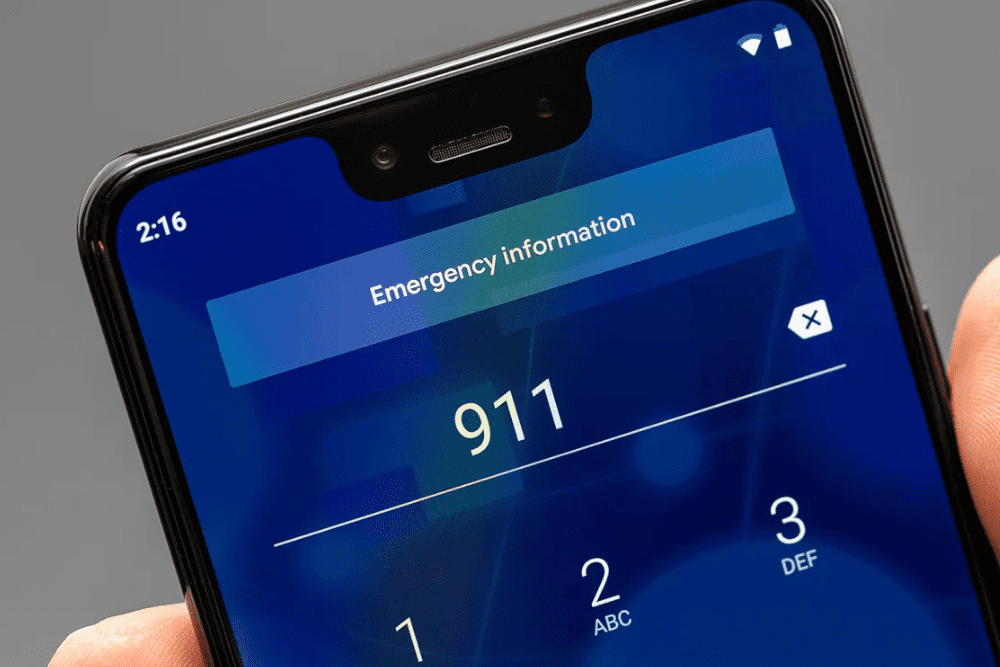
Your smartphone features life-saving emergency capabilities that work even when your screen is locked. It works with both iPhone and Android, which allows you to call emergency services. Your phone also allows you to automatically alert designated contacts to your location. On iPhone, rapidly pressing the side button five times activates Emergency SOS. With Android, access the Emergency button on the lock screen to set up emergency information that is accessible to first responders.
4. Keyboard Trackpad Mode
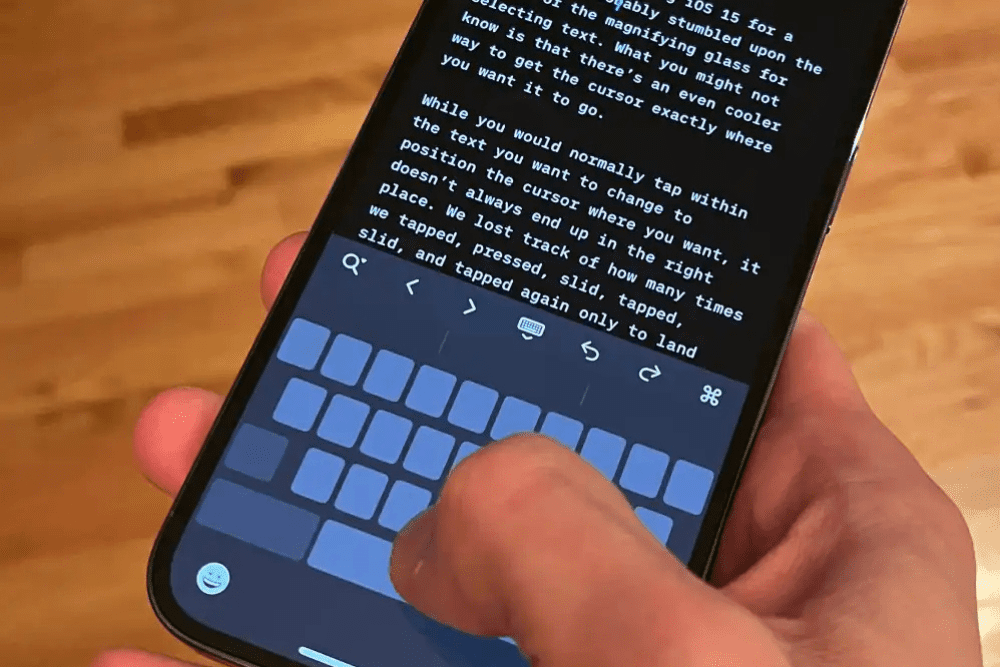
Editing text on a touchscreen can be frustrating until you discover this hidden trackpad feature. On both iPhone and Android (using Gboard), you can turn your keyboard into a laptop-style trackpad by pressing and holding the spacebar. This allows for precise cursor control when editing documents, selecting text, or correcting typos, making it easier to work on a document on your phone.
3. Built-in Document Scanner
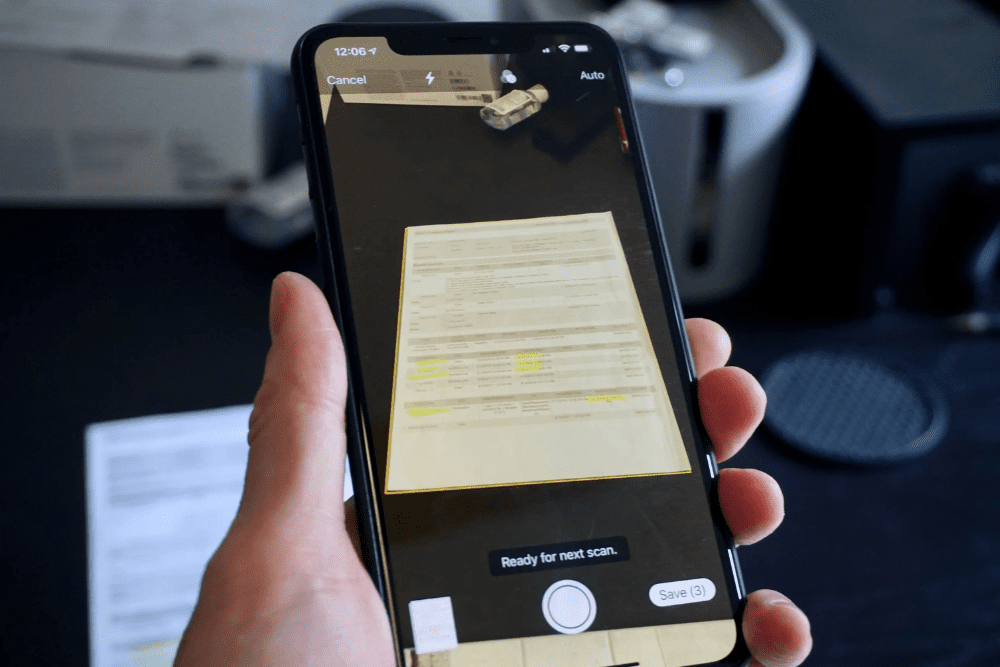
Stop downloading separate scanning apps. Your phone already has professional document scanning capabilities built in. On iPhone, the Notes app includes a document scanner that automatically detects edges, corrects perspective, and enhances text readability. Android users can access similar functionality through Google Drive’s scan feature. They’re perfect for digitizing receipts, business cards, or documents when you’re on the go.
2. Live Captions for Any Audio
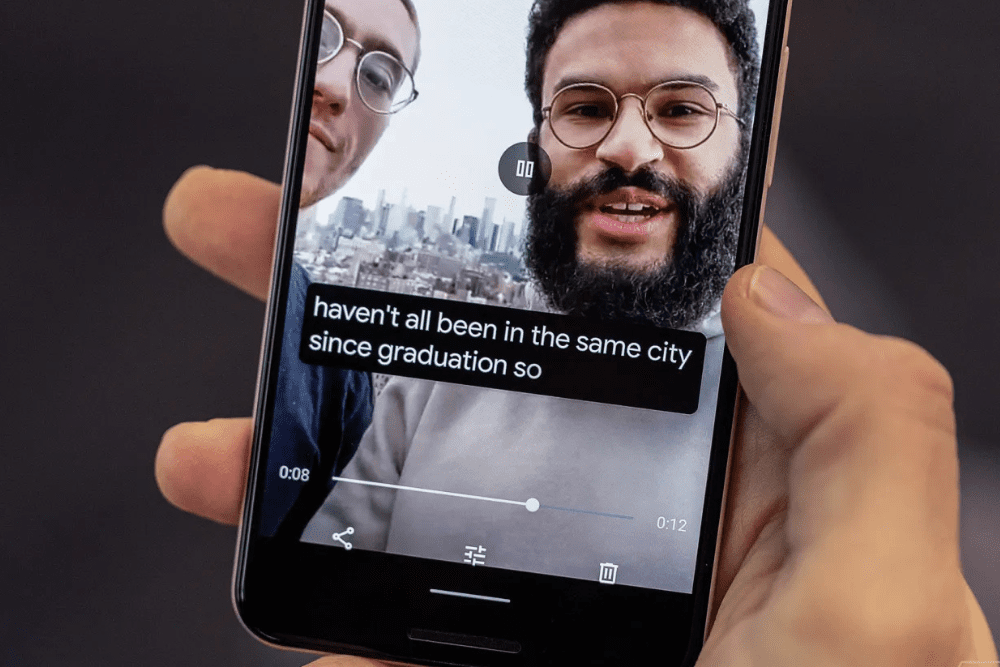
Android offers an accessibility feature that creates real-time captions for any media playing on your phone. May it be videos, podcasts, voice messages, or even phone calls. It works offline and doesn’t send audio to external servers. Meanwhile, iPhone users can enable similar functionality through Live Captions in iOS 16 and later.
1. Back Tap for Quick Actions
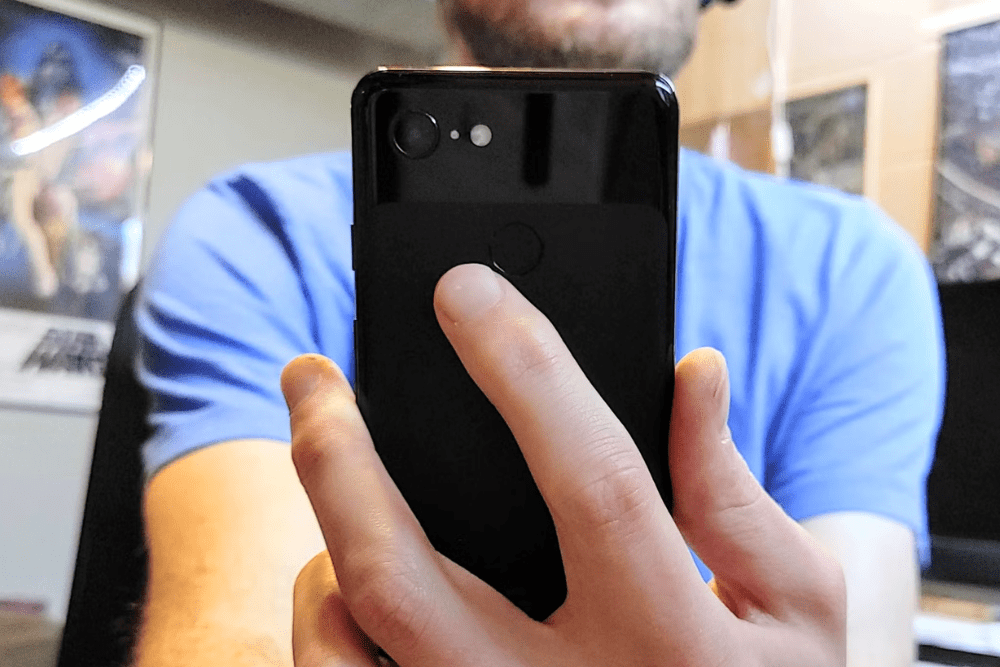
Both iOS and Android devices offer gesture-based shortcuts that let you trigger actions by tapping the back of your phone. On iPhone, you can assign a double or triple tap on the back of your device to launch apps, take screenshots, turn on the flashlight, or open Control Center. This feature eliminates the need to navigate through menus for frequently used functions. On Android, certain phones, such as the Pixel and Samsung, offer similar capabilities through their gesture settings.