
You already know social media tracks you, but what about your smart TV, battery level, and even your phone’s microphone? Turns out, everyday devices are quietly gathering info in ways that might surprise you. Here’s how your devices are tracking you and what you can do to stop it.
7. Your Smart TV is Watching You Back

Most modern smart TVs have a technology called Automatic Content Recognition (ACR), which catalogs everything you watch. This data is then sold to advertisers to build a detailed profile of your viewing habits, which can reveal your political leanings, interests, and daily routines. To stop this, you can disable ACR in your TV’s privacy settings, but this may limit personalized recommendations.
6. Your Emails Are Reporting Back to Senders
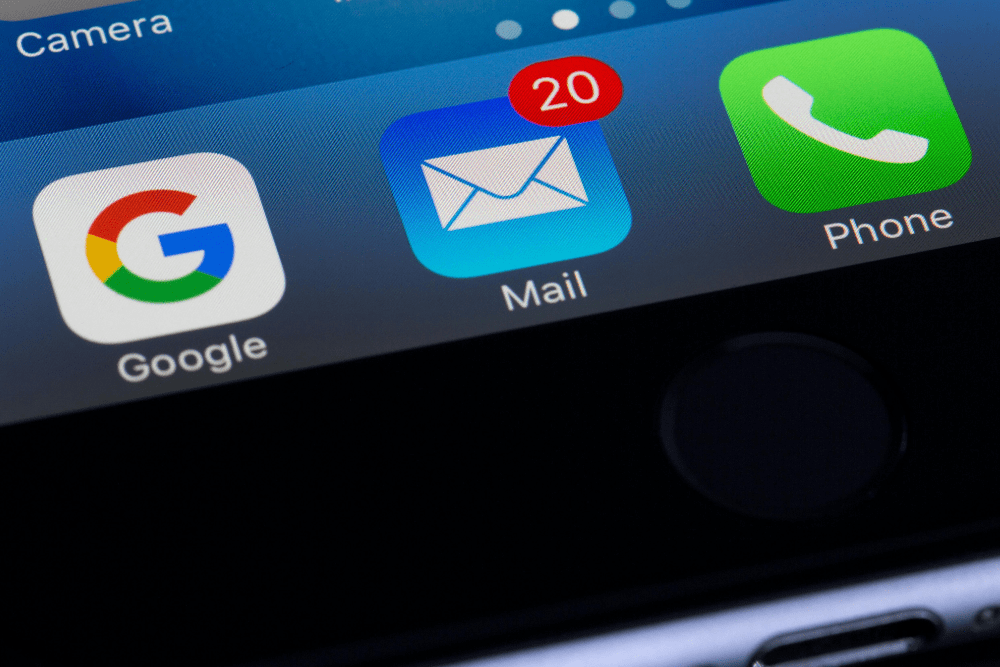
Ever wonder how a company knows the exact moment you opened their promotional email? The secret is an invisible image called a tracking pixel. It’s embedded in the email, and when you open the message, the pixel is downloaded from a remote server. This action tells the sender that you’ve opened the email, as well as when and where you opened it. To prevent this, you can enable “Ask before displaying external images” in Gmail settings.
5. Your Photos Are Sharing Your Location

Every photo you take with your smartphone contains a treasure trove of information called EXIF data. This metadata can include the GPS coordinates of where the photo was taken, the date and time, and the model of your device. When you share photos online, you could be unknowingly broadcasting your home address or your favorite vacation spots. To protect your privacy, disable location services for your camera app in your phone’s settings, or use an EXIF data remover app.
4. Your Battery Level is Being Used to Fingerprint You
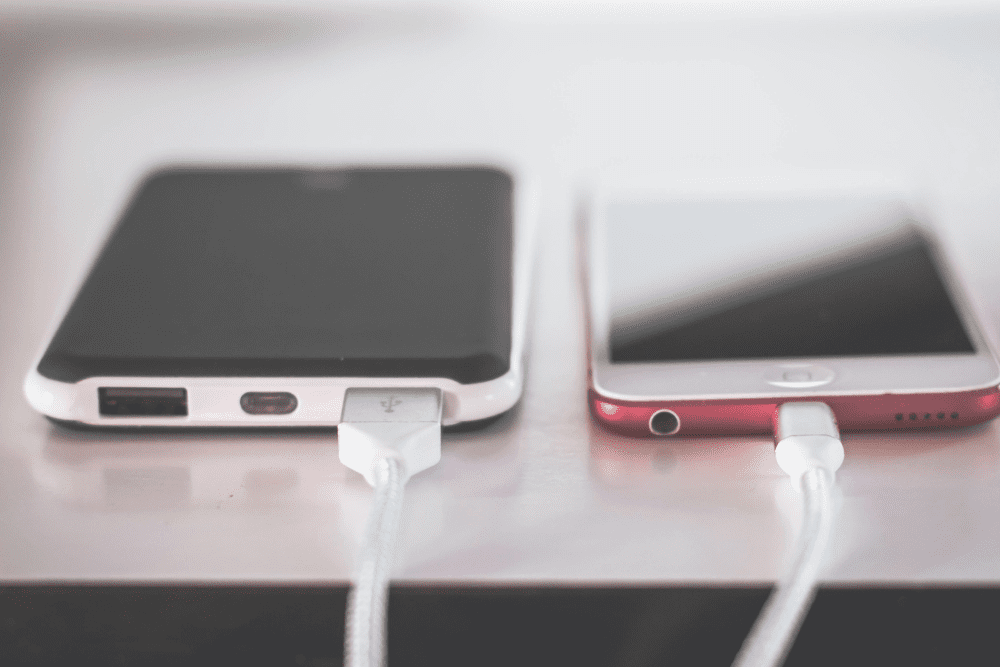
A web feature called the Battery Status API allows websites to see your battery percentage and charging status. While it was originally intended to help websites conserve energy, the battery level, combined with other browser information, could be used to create a unique “fingerprint” to track users. While there’s not much you can do to control this, using a privacy-focused browser that has removed this API is your best defense.
3. Your Movements Are Being Tracked by Motion Sensors

Your phone’s accelerometer and gyroscope, the sensors that allow your screen to rotate and play motion-controlled games, can also be used to track your movements. These sensors reveal information about your daily activities, from your walking gait to your mode of transportation. What’s more, many apps can access these sensors without asking for your permission. Check which apps have access to your motion and fitness data and disable access for any apps that don’t need it.
2. Your Browser Has a Unique “Fingerprint”
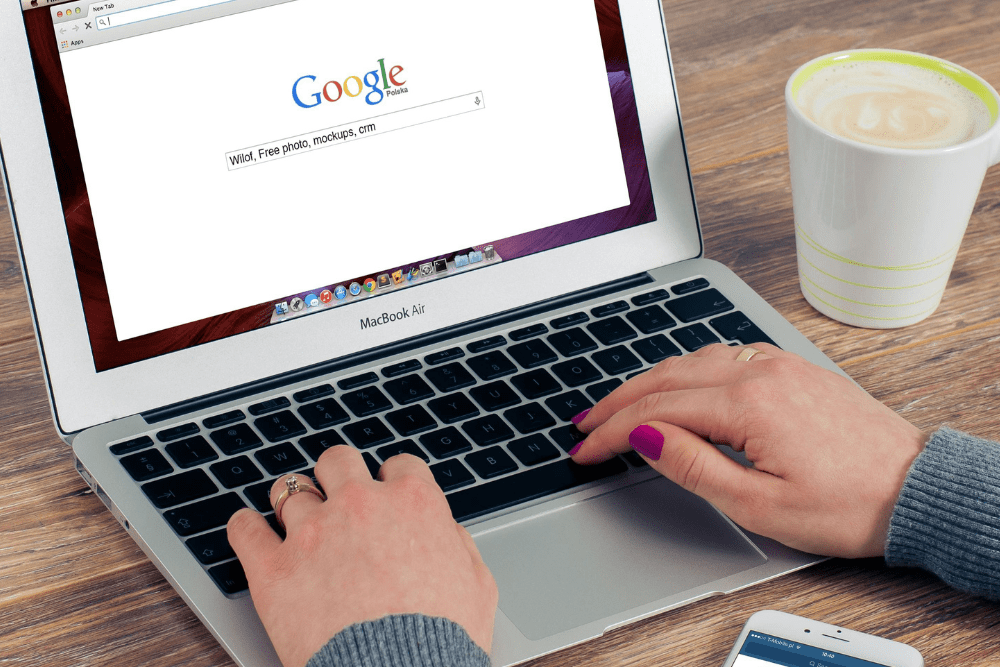
Even if you use private browsing mode and clear cookies, you can still be tracked through a technique called device fingerprinting. This method creates a unique profile of your device based on things like your screen resolution, operating system, installed fonts, and the version of your web browser. To combat this, you can use a privacy-focused browser like Firefox or Brave, or use a VPN that can mask your IP address.
1. Your Phone’s Microphone is Listening for Inaudible Sounds
A technology called ultrasonic tracking uses high-frequency audio beacons embedded in TV commercials, websites, and even the music played in stores. These sounds are inaudible to the human ear, but your phone’s microphone can recognize them. This allows companies to track your location, what you’re watching, and even who you’re with. The best way to prevent this is to be mindful of which apps you grant microphone access to.